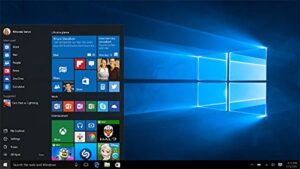
Microsoft have stopped Windows 7 few years ago. Its time to have windows 10 installation in our systems to get the latest updates and features. Below steps will show how to upgrade to windows 10.
Windows 10
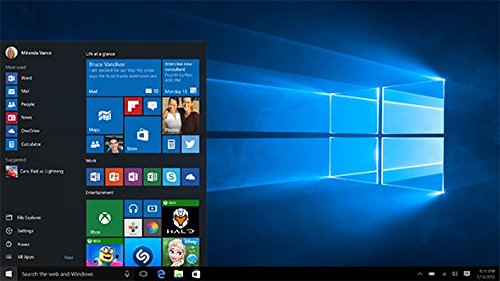
New Windows 10 is one of the best operating system in 2022 with new start menu, Cortona and other great features. Windows 7 is the one of most reliable operating systems and still people are using it on old desktop and laptops as mostly all the software are compatible with windows 7 and gives stable performance. However it’s time to upgrade the systems.
If you are running licence copy of Windows 7, you can upgrade to windows 10 free of cost.
Important Advice : Please backup all your personal data, important before upgrading.


a) First please proceed to to https://www.microsoft.com/en-us/software-download/windows10
b) Click on the Download Now button
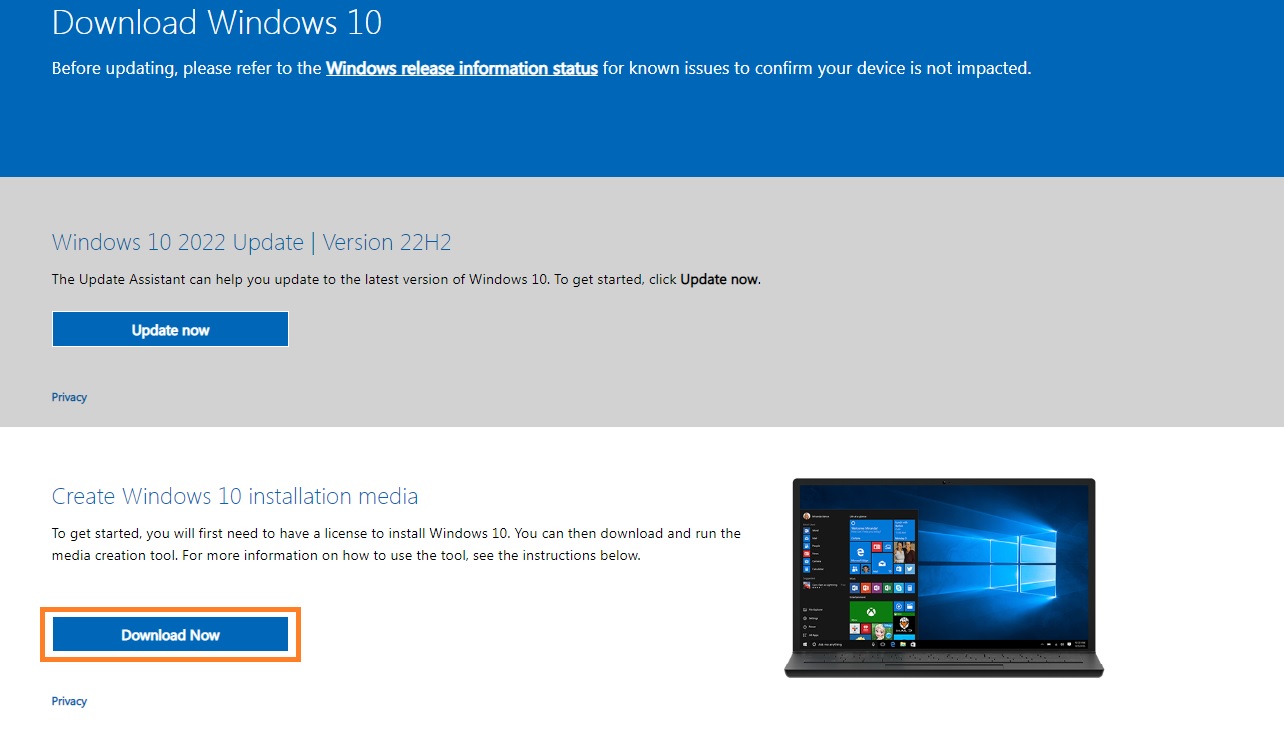


c) click on the download tool
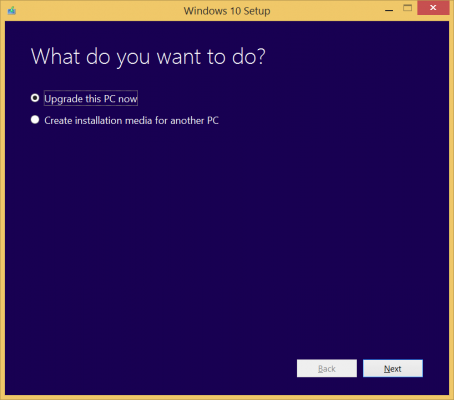
d) Select upgrade this PC now if you are willing to install on the PC you are using. The tool will take time to download the software so be patient. The downloading speed may vary based on the internet connection.
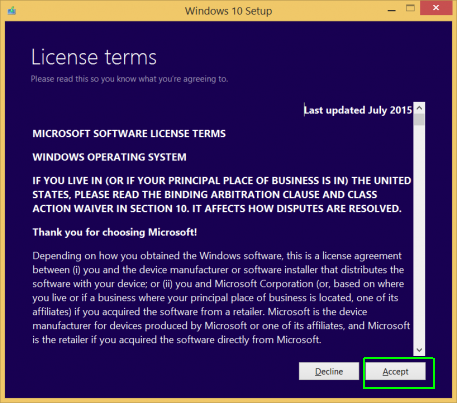
e) Click Accept on the licence terms window. Software will again check some background updates.
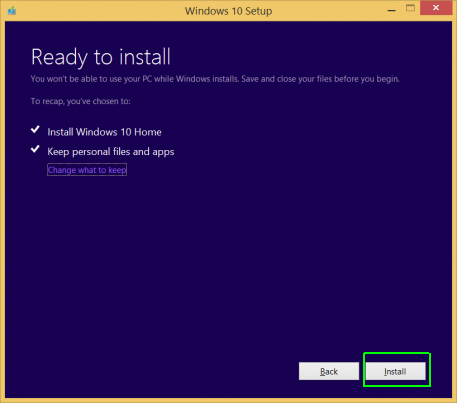
f) Click Install button and wait until the Windows 10 is installed into the system.
g) Click Next on the Login Screen and use express settings once the window asks during the installation process.
h) Click Next on the “new apps for the new windows” window. Computer will ask for Finalise setting and take you to the login screen of Windows 10.
i) Click on the –> to login and initial set up will done for the startup and you be taken to the Windows desktop of Windows 10.
Note : do not enter password in the login screen, as there is no password set during the installation process.